How to Check, Download & Manage Your MDAC After Submission
There's no account or login system behind the MDAC — which means "managing" your submission works differently than you might expect. Here's how to get your confirmation back, verify your registration, and handle a mistake or a change of plans.
Key Facts at a Glance
- check_circleThe MDAC system has no user accounts — your confirmation, PIN, and QR code are generated once, at the moment of submission.
- check_circleYou cannot edit a submitted MDAC. If any detail changes, you submit a fresh one rather than amending the original.
- check_circleThe official portal's "Check Registration" page lets you re-verify an existing submission using your passport number and travel details.
- check_circleSave your confirmation as a PDF or screenshot rather than relying solely on an email, in case you don't have signal or inbox access at the border.
downloadHow to download your confirmation right after submitting
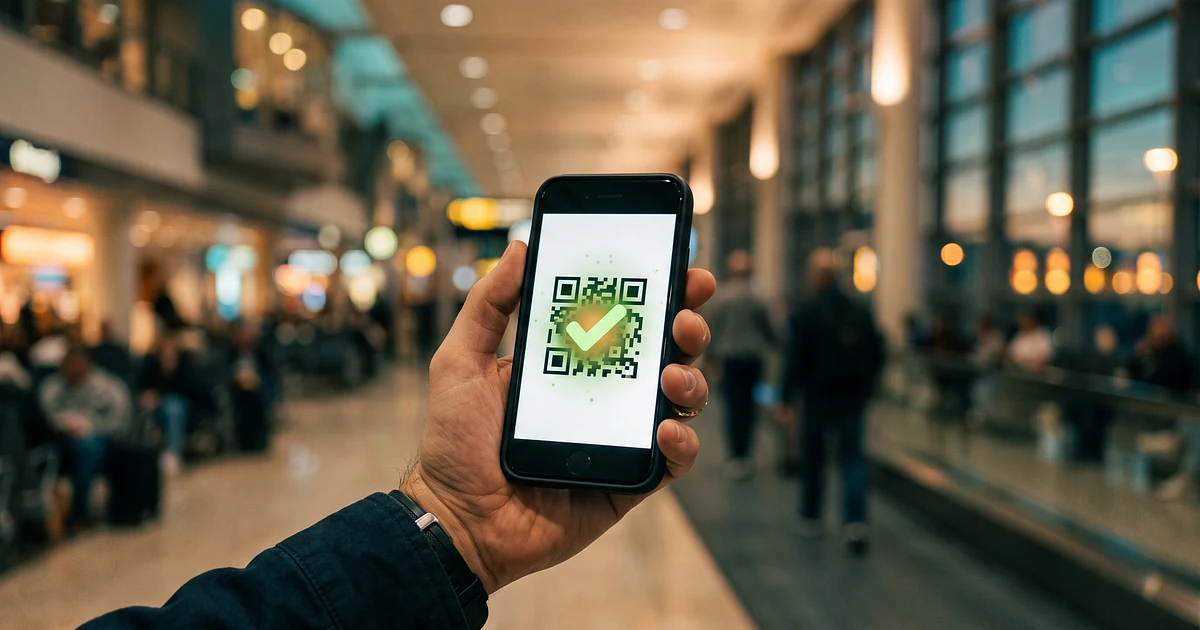
Immediately after a successful MDAC submission, the portal displays a confirmation screen containing your registration PIN and a QR code, with an option to download it as a PDF. Do this on the spot — don't assume you'll be able to easily get back to that exact confirmation screen later, since there's no login system to retrieve it from a personal account afterward.
If you also provided an email address during submission, a copy is typically sent there as well, which is a useful backup — but treat the on-the-spot download as your primary copy, not the email.
fact_checkLost your confirmation? How to check your registration
If you've misplaced your PDF and can't find the confirmation email, the official portal provides a "Check Registration" function where you can re-verify an existing submission using your passport number, nationality, and other matching travel details rather than a username or password. This confirms the record exists and is valid, though it may not re-issue the original downloadable PDF in every case — treat it as a verification tool first, a backup-download tool second.
edit_off"Editing" an MDAC: why it doesn't work the way you'd expect
There's no edit function for a submitted MDAC — you cannot log in and change a field. If your flight number, arrival date, or accommodation changes after you've already submitted, the correct approach is to submit an entirely new MDAC with the updated details, rather than trying to amend the old one. Malaysia's immigration system is generally understood to recognise the most recent valid submission tied to your passport as the operative record for that entry.
This is one of the more counter-intuitive parts of the system for travellers used to editable online forms — think of each MDAC submission as a fresh, standalone declaration rather than a profile you update.
wifi_offSaving your confirmation for offline access
Because immigration halls and border checkpoints can have unreliable connectivity, and roaming data isn't always active the moment you land, save your MDAC confirmation somewhere accessible without an internet connection — a downloaded PDF in your phone's files app, a screenshot of the QR code and PIN, or a printed copy as a final backup. Relying solely on opening an email app at the border is the single most avoidable point of friction travellers run into. Our pre-departure checklist includes this as one of the final steps before you leave for the airport.
fingerprintWhat your confirmation is used for at the border
Whether you're clearing immigration at a manned counter or an eligible autogate lane, your MDAC record is what officers or the automated system look up by passport number — your confirmation PDF or QR code is mainly a personal backup, not something scanned directly in most cases. See our KLIA immigration walkthrough for exactly how that lookup works, and our Autogate & MACS eligibility guide if you want to use the automated lanes.
Common mistake: assuming you can log back in to fix a typo
If you notice a typo in your MDAC after submitting — a passport number digit, a misspelled name, an incorrect flight number — there is no login to go back and correct it. Submit a new MDAC with the corrected details as soon as you notice the error, well before your 3-day window closes if possible.
Frequently Asked Questions
How do I download my MDAC confirmation?expand_more
I can't find my MDAC confirmation email — is my submission still valid?expand_more
Can I edit my MDAC if I made a typo in my passport number?expand_more
How do I check the status of my MDAC registration?expand_more
Does my MDAC expire if I don't use it right away?expand_more
I submitted two MDACs by mistake for the same trip — will this cause a problem?expand_more
Related Resources
How to Fill In the MDAC Form
Get every field right the first time to avoid needing a resubmission.
Pre-Departure Checklist
Make sure your confirmation is saved offline before you fly.
Scam Alert & URL Verifier
Only ever check your registration on the official government portal.